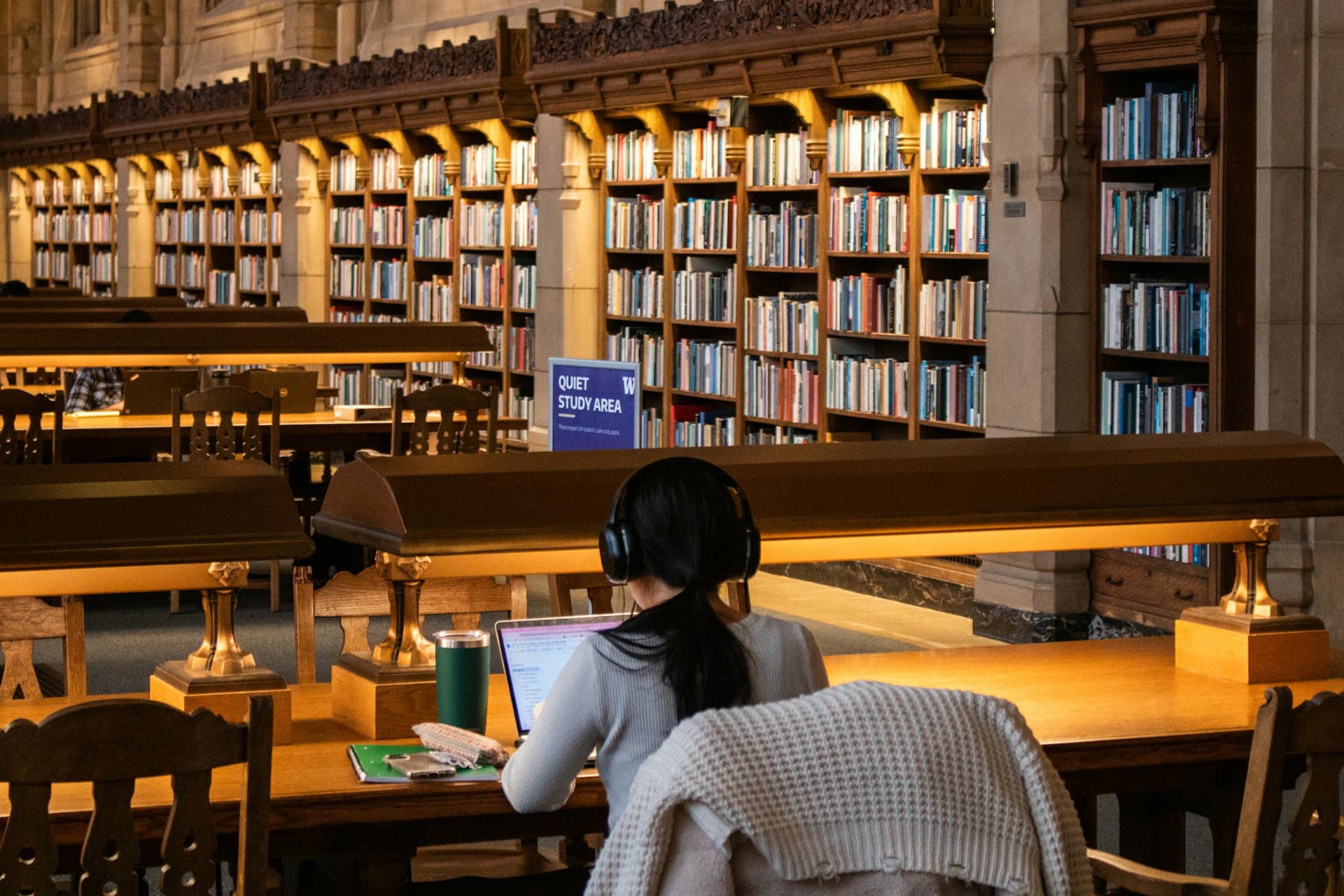
Made for Canadian students
Know exactly where your grade stands.
A weighted grade calculator answers once and forgets. Gradus reads the weights from your syllabus, keeps every mark you add, and tells you what you need on what's left, all term.
The sample needs no account. Your grades are yours, and nothing is shared unless you ask.
COIS 2020H · Where you stand
You currently have 78%.
You need 83% on the final to finish with 80%.
- Assignments25%82%
- Term tests40%76%
- Final exam35%not yet
The only part you check is the part Gradus guessed.
- 01
Drop in your syllabus.
Upload a PDF, snap a photo, or type it in yourself. Gradus pulls out every assessment and what it's worth.
- 02
Correct anything it got wrong.
Look over the weights and dates before anything is saved. Nothing goes in until you say so.
- 03
Add marks as they come back.
The number moves while you type. So does the score you need on whatever is still ungraded.
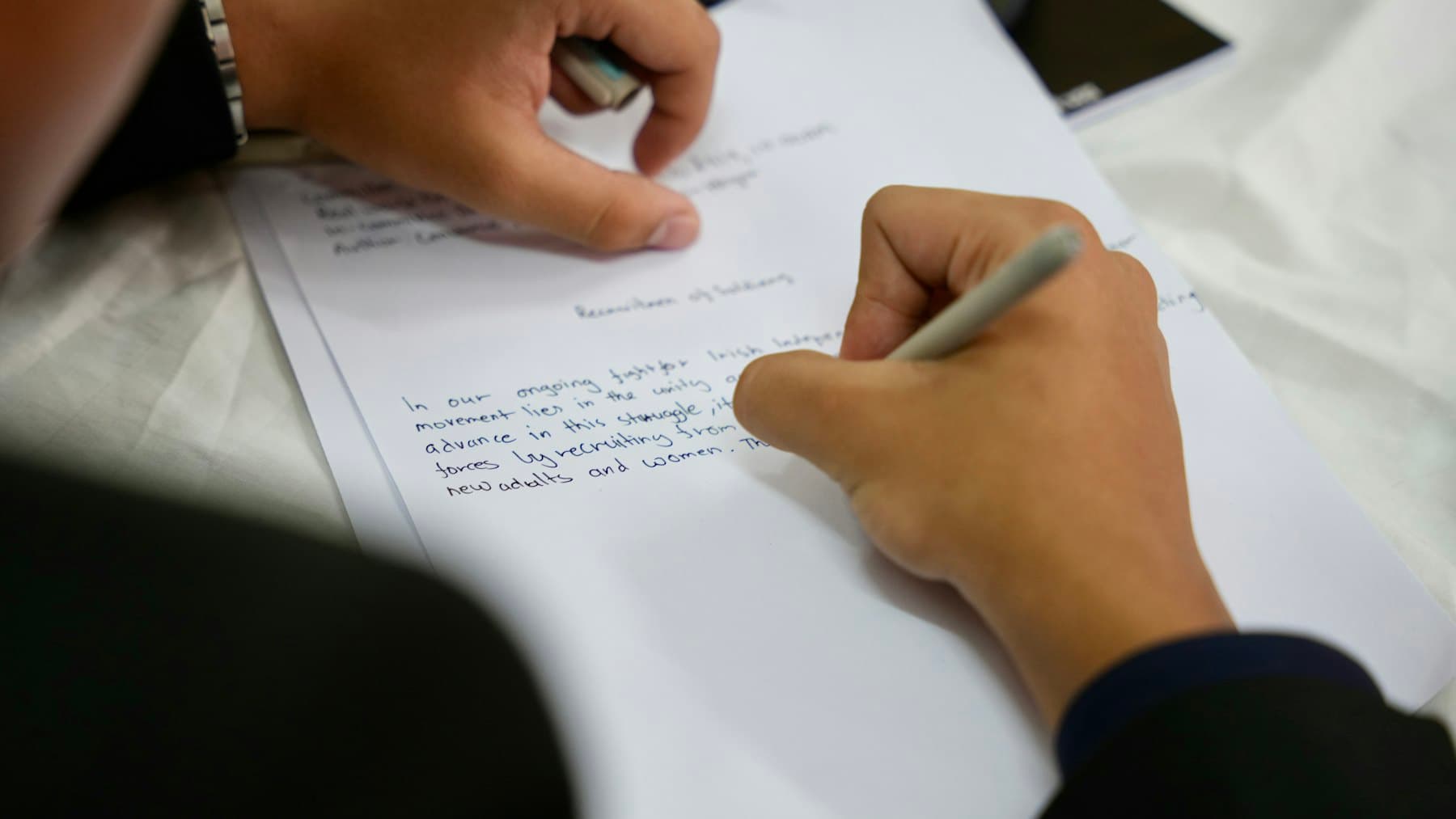

Someone asks how the course is going. For once, you know the actual number.
Try the math right here.
Change a score below, no account needed. Everything recalculates while you type, on the same engine the real tracker runs.
Average across the remaining 35% of weight.
Work out your own final · Want this for your real courses? Create a free account · a free account takes a minute
One place for your whole term.
Set it up in September and it carries through to finals, holding every weight and due date the syllabus mentioned.
Current grade
Live weighted average across everything you've entered so far.
What you need next
Score you need on remaining work to reach each target grade.
Upcoming deadlines
Pulled from your syllabus, plus anything you add by hand.
Year 2 · BSc
Dean's Honour Roll. Sessional 80.25%.
Sessional
80.25%
Cumulative
76.40%
Courses
4
Need 74% on the final to hold A-.
Your grades live in your account.
One copy on our servers, one in your browser so the tracker opens instantly. A cleared browser never loses a term, and the phone app will pick up the same copy when it ships. The account is free, and takes about a minute.
Built around how Canadian students are actually graded.
Trent's cumulative average
Session average, cumulative average, and whether you clear the Dean's Honour Roll · percentages end to end, because Trent publishes no grade points at all.
See the Trent calculatorOntario Achievement Levels
Grade 9-12 percentages map to Levels 1-4 per the Ministry's Growing Success policy · shown alongside your average.
OMSAS · OLSAS · ORPAS estimates
Estimate your application-service GPA using sourced OUAC rules: each course converted individually, credit-weighted, capped at 4.0. Never averaged first.
See the OMSAS calculatorWeighted courses, drops, ranges
Every course has its own weights. Drop-the-lowest per kind. Best-case / worst-case ranges for what's still ungraded.

Gradus is independent. It is not affiliated with, endorsed by, or connected to Trent University.
Estimate your application GPA using sourced rules.
Every Ontario pre-med, pre-law, and pre-rehab applicant runs their percentage grades through an application-service GPA table. We do the math with the same OUAC (Ontario Universities' Application Centre) conversion the services use · per course, credit-weighted, capped at 4.0.
Estimate only. Each application service makes the official calculation on your submitted transcript.

Walking into a final knowing the exact mark you need changes how you study for it.
Free for the math. Paid only when there's something worth paying for.
Free
Everything currently in the tracker.
- Weighted grades, GPA, and what-you-need-on-the-final math
- AI syllabus import · text PDFs, scanned PDFs, and photos
- OMSAS · OLSAS · ORPAS estimates using sourced OUAC rules
- Backup export + restore · JSON
- A free account · one copy of your grades, ready for the phone app when it ships
- Cloud backup, cross-device sync, and a subscribable calendar · free with an account
- Every undergraduate year in one OMSAS · OLSAS · ORPAS estimate
Plus
For the heaviest application seasons. Not open yet.
- Higher AI syllabus-import and assistant capacity
Only shipped features are listed under Free, and that includes cloud backup, the calendar and the multi-year application estimate. Plus will carry the AI capacity that costs real money to serve. Student-priced because we are one.
“There has to be a better way than rebuilding this spreadsheet every semester.”
Built after one too many grade spreadsheets.
Gradus started as a student project at Trent University. The idea was simple: knowing where your grade stands should not require rebuilding your entire syllabus in a spreadsheet.
It still gets built that way: one student fixing the thing that kept annoying him, checking the math against the official scales as he goes.
Gregory Uku
Founder · Trent University computer science student
Honest answers.
The questions people actually ask. If yours isn't here, ask the assistant inside the tracker or email us.
- How is this different from a weighted grade calculator?
- A calculator answers once. You type the weights and the marks you have so far, read the number, close the tab, and next month you type it all again. Gradus reads the weights out of your syllabus one time, then holds the course for the whole term: each mark you add updates your current grade and what you need on what's left, the due dates become reminders, and every course rolls into one cumulative average. When it's time to apply, the OMSAS, OLSAS and ORPAS conversions run on each course grade, which a calculator can't do because it never kept them.
- Is this an official school product?
- No. Gradus is independent and not affiliated with any university, school board, or ministry of education. We use published grading scales because those are the ones students actually deal with.
- Do I need an account?
- Yes, and it is free. Your grades live in the account, so a cleared browser never loses a term, and it comes with a subscribable calendar feed and the daily reminder email. The sample course on the home page and the teacher gradebook need no account.
- Does this work for high school students, not just university?
- Yes. The math is the same: weighted assignments rolled into a final percentage, which is exactly how Ontario Grade 9 to 12 marks work. High school students see their percentage plus the Achievement Level (Level 1 to 4) on the Ministry scale. The university cumulative average is an optional output.
- Where is my data stored?
- Your grades live in your account on our servers, and a copy stays in your browser so the tracker opens instantly. The phone app will read the same copy when it ships. Nothing is shared with anyone else. Clearing your browser data clears the local copy, so export a JSON backup each term from Settings.
- Does the syllabus parser send my PDF to AI?
- Yes, when you use it. The PDF text is sent to Anthropic's Claude API to extract the assignment table. We don't store the file or its content. If that's a deal-breaker, skip the parser and add assignments by hand. The rest of the app works either way.
- Can I trust the OMSAS, OLSAS, and ORPAS conversions?
- OMSAS, OLSAS, and ORPAS all convert individual course grades on the same OUAC Undergraduate Grade Conversion Table, then apply their own inclusion rules. Gradus does the per-course conversion and credit-weights it. The result is an estimate, and each application service makes the official calculation. Last checked against the OUAC table in July 2026.
- Does this work for universities other than Trent?
- The math (weighted grades, what you need on the final, drop-the-lowest) works for any school. Dedicated calculators cover Trent, Queen's, U of T, McMaster, Waterloo, Western, York, uOttawa, TMU, and Guelph. Want yours added? Email us.
- What is free, and what will cost money?
- The math is free forever, and so is the application-service conversion, the part nobody else bundles. Cloud backup, sync, and the calendar are free with an account. AI capacity is what costs real money to serve, so that is where a paid tier will sit. We would rather lots of people use the free tier than make a few people pay a lot.

Your syllabus already has the plan. Gradus makes it easier to see.
Start with the sample course, then create a free account and add your own. Setting up a term takes about two minutes.